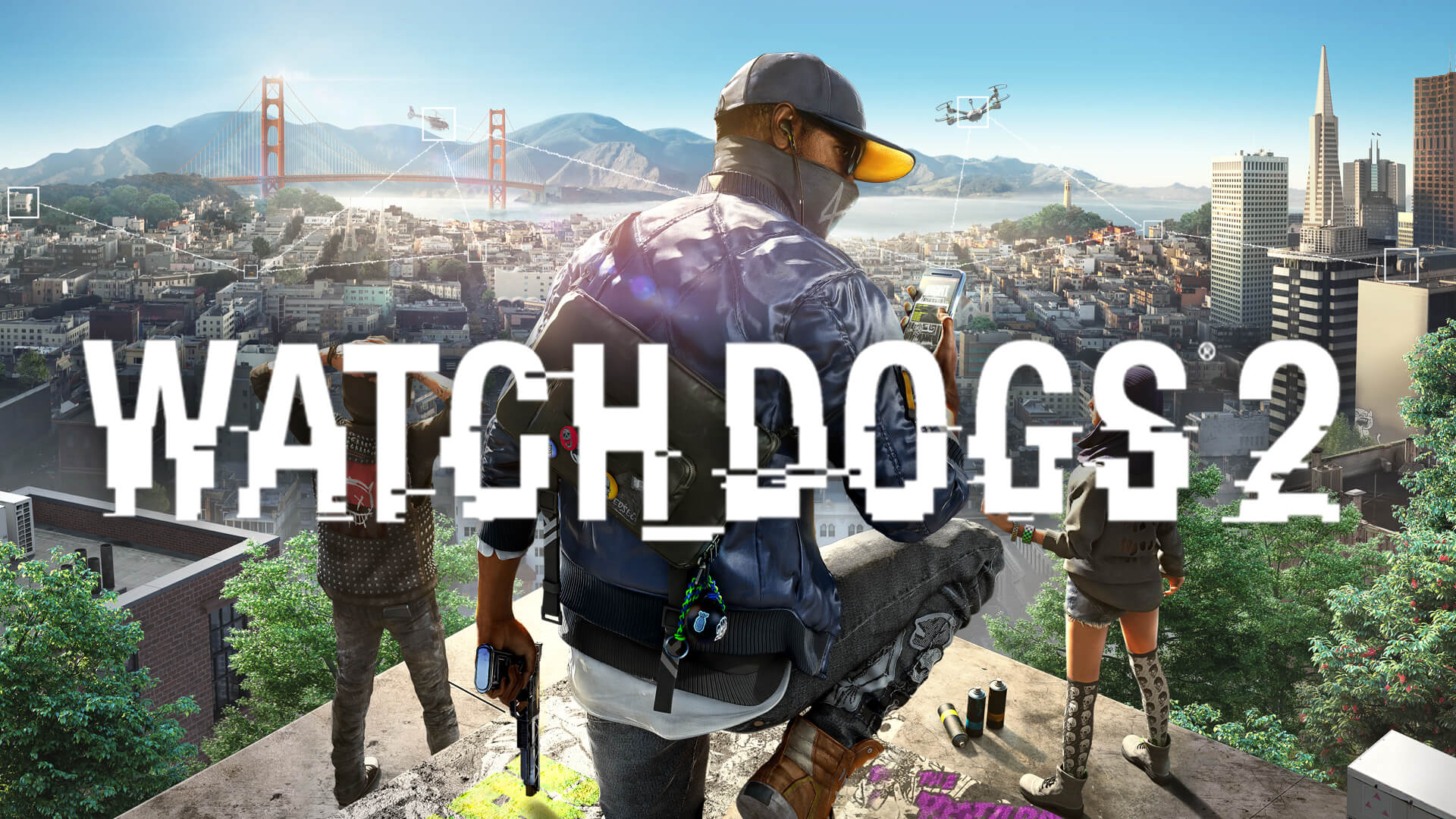
Watch Dogs 2 Multiplayer Guide: How to Play Co-op & Invasion
Discover how to master Watch Dogs 2 multiplayer. From intense Hacking Invasions to 2-player co-op missions, learn all the tips to dominate the Bay Area today.
Published:
Table of Contents
The San Francisco Bay Area in Watch_Dogs® 2 is a playground for hackers, but it becomes exponentially more thrilling when you open your game to the world. If you have been wondering how to engage in Watch Dogs 2 multiplayer activities, you are in the right place to take your DedSec operations to the next level.
Understanding the Watch Dogs 2 multiplayer ecosystem is vital because it shifts the game from a solitary narrative experience into a dynamic, unpredictable sandbox. Whether you are looking to team up with friends for high-stakes missions or hunt down rival hackers, mastering these online modes will ensure you never run out of chaos to cause.
Getting Started with Multiplayer Modes
Before you can dive into the online scene, you must first progress through the initial story missions. Once you have completed the "A Walk in the Park" quest, the game officially unlocks the multiplayer menu. You can access this at any time by opening your in-game smartphone and selecting the Multiplayer icon.
The game offers several distinct ways to interact with other players. Depending on your mood, you can choose from structured competitive modes or casual cooperative exploration.
Mode
Description
Player Count
2 Player Co-op
Team up for specific side missions
2 Players
4 Player Party
Explore the open world together
Up to 4 Players
Bounty Hunter
PvP chase involving police and players
2-4 Players
Hacking Invasion
Asynchronous PvP data theft
2 Players
Online Racing
Competitive vehicle racing
Up to 4 Players
How to Invite Friends and Join Sessions
The beauty of the game lies in its seamless integration of friends. If you prefer playing with people you know rather than random players, Ubisoft has streamlined the process.
To invite a friend, open your smartphone, navigate to the Multiplayer menu, and select the "Friends" tab. From there, you can see who is currently online. Selecting a friend allows you to "Invite to Co-op" or "Join Game" if they are already in an active session.
Communication is Key
When playing co-op missions, use a voice chat platform. Coordination is essential during hacking puzzles where one player must defend the other while they interact with terminals.
Deep Dive: Hacking Invasion and Bounty Hunt
Hacking Invasion is arguably the most iconic part of the Watch Dogs 2 multiplayer experience. In this mode, you or another player drop into a session unannounced. The goal is to download data from the target without being detected.
The Hunter vs. The Hunted
In Bounty Hunt mode, the intensity spikes. You might find yourself being chased by police and other players simultaneously. This mode relies heavily on your ability to navigate the dense urban environment of San Francisco.
Tips for the Hunter: Use your drone to scout from above. Don't rush; wait for the target to get stuck in traffic or a narrow alleyway.
Tips for the Hunted: Use the environment to your advantage. Hacking street lights, steam pipes, or traffic signals can create the necessary distance between you and your pursuer.
Essential Settings for a Smooth Experience
To ensure you have the best time, check your in-game online settings. You can toggle "Seamless Co-op" on or off. With Seamless Co-op enabled, you might encounter random players while free-roaming. This adds a layer of realism, as you never know if a passerby is a real person or an NPC.
Setting
Function
Recommended
Seamless Co-op
Allows random encounters in world
Enabled
Online Invasions
Allows players to hack your game
Enabled (for challenge)
Voice Chat
In-game communication
Enabled
Community Report: Many players suggest keeping these settings enabled to keep the world feeling "alive." However, if you are focusing on a specific narrative mission, it is perfectly fine to disable them temporarily to avoid interruptions.
Mastering Co-op Missions
Some missions in the game are specifically designed for two players. These are often more complex than standard solo objectives, requiring one person to hack while the other provides cover fire or manages crowd control.
When participating in these missions, always look for the "Co-op" icon on your map. You can matchmake with random players if you don't have a friend online, which is a great way to earn extra research points and cash.
Common Mistakes to Avoid
Going Loud Too Early: In stealth-based co-op missions, shooting guards before your partner is in position often leads to failure.
Ignoring the Drone: The drone is your best friend. Use it to mark enemies so your partner can see them through walls.
Forgetting to Upgrade: Ensure your hacking skills are upgraded before jumping into high-level multiplayer, as you will face more skilled opponents.
Why Multiplayer Matters in Watch Dogs 2
The replayability of Watch_Dogs® 2 is largely sustained by its online community. Even years after its release, the ability to drop into someone's world to cause havoc or work together provides a unique experience that single-player games simply cannot replicate. For more information on official updates, visit the Watch Dogs 2 Steam Page.
By engaging with the Watch Dogs 2 multiplayer features, you are participating in a living digital world. Whether you are a professional "hacker" or just looking for some casual fun with friends, the variety of modes ensures that no two sessions are ever the same.
Frequently Asked Questions (FAQ)
Is Watch Dogs 2 multiplayer still active?
Yes, the community remains active. While Ubisoft has decommissioned some older titles, the core online services for Watch_Dogs® 2 are still operational, allowing you to enjoy co-op and invasions.
Do I need a subscription to play multiplayer?
If you are playing on a console (PlayStation or Xbox), you will typically need an active PlayStation Plus or Xbox Live subscription to access online features like Hacking Invasion and co-op missions.
Can I play with more than 2 people?
Yes, the 4-player party mode allows you and three friends to explore the open world of San Francisco together, making it a great way to hang out and cause chaos in the city.
What should I do if I can't connect to a game?
Check your internet connection and ensure your "Online Settings" in the game menu are set to "Enabled." If the problem persists, visit the official Ubisoft Help portal for connectivity troubleshooting tips.