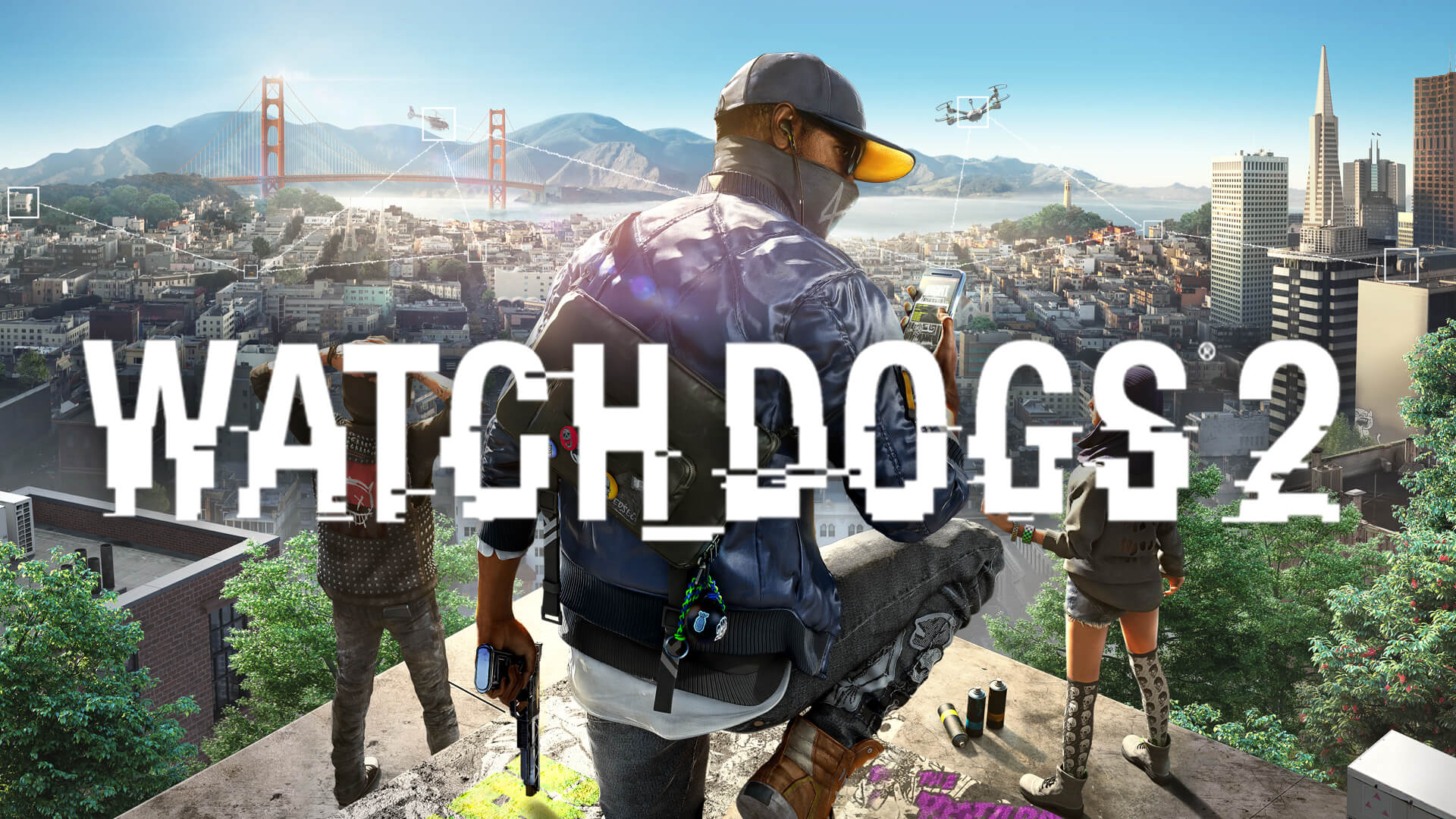
Watch Dogs 2 DLSS: Best Performance Mods and Optimization
Discover how to optimize Watch Dogs 2 DLSS alternatives and performance mods. Learn to fix RTX flickering and boost FPS with our comprehensive guide.
Published:
Table of Contents
Watch Dogs 2 remains one of the most vibrant and technically demanding open-world titles in Ubisoft’s catalog, yet many modern players are surprised to find no native watch dogs 2 dlss support. Released in 2016, the game predates the widespread adoption of Deep Learning Super Sampling, leaving players with NVIDIA RTX cards looking for community-driven solutions. Understanding how to implement a watch dogs 2 dlss alternative is essential for maintaining high frame rates at 4K resolution while navigating the dense streets of San Francisco.
While the lack of an official patch is disappointing, the modding community has stepped in with sophisticated upscaling workarounds and stability fixes. For gamers running modern hardware, achieving a smooth experience requires a combination of driver-level tweaks and specific third-party plugins. This guide will explore why native support is missing, how to use FSR or NIS as a substitute, and which community mods are vital for stabilizing the game on the latest RTX 30 and 40 series GPUs.
Does Watch Dogs 2 Support DLSS Natively?
To answer the most common question: No, Watch_Dogs® 2 does not feature native DLSS support. The game was developed on the AnvilNext 2.0 engine during an era where MSAA (Multi-Sample Anti-Aliasing) and TXAA (Temporal Anti-Aliasing) were the industry standards. Because the game utilizes DirectX 11, it lacks the modern motion vectors and depth buffer integrations required for a "plug-and-play" DLSS implementation that you might see in newer titles like Watch Dogs: Legion.
However, the search for watch dogs 2 dlss solutions is not in vain. Ubisoft included a feature called "Temporal Filtering" at launch, which acts as a primitive precursor to modern upscaling. When enabled, it renders the game at a lower resolution and uses temporal data to reconstruct the image, significantly boosting FPS. For modern players, the goal is to replace or augment this older tech with modern spatial or temporal upscalers like NVIDIA Image Scaling (NIS) or AMD FidelityFX Super Resolution (FSR) via mods.
Feature
Watch Dogs 2 (Native)
Modern DLSS (Target)
Upscaling Tech
Temporal Filtering (Checkerboard)
AI-Driven Tensor Core Scaling
Anti-Aliasing
TXAA, MSAA, SMAA
DLAA / Integrated Temporal AA
API Support
DirectX 11
DirectX 12 / Vulkan
Performance Gain
~30-40% via Temporal Filtering
~50-100% depending on Profile
Visual Clarity
Moderate Ghosting in Motion
High Reconstruction Detail
Implementing DLSS Alternatives and Upscaling Mods
Since a formal watch dogs 2 dlss update is unlikely to ever arrive from Ubisoft, players must turn to the "Universal Upscaler" mods or driver-level solutions. These tools intercept the game's rendering pipeline to provide a cleaner image than the default scaling options.
NVIDIA Image Scaling (NIS)
For RTX users, NVIDIA Image Scaling is the closest "official" alternative to DLSS. It can be enabled globally via the NVIDIA Control Panel or GeForce Experience. NIS works by downscaling the render resolution and applying a high-quality sharpening pass. While it lacks the AI-reconstruction of DLSS, it provides a significant performance boost with minimal blurriness if the sharpening slider is tuned correctly (usually between 20-40%).
The "CyberFSR" and Proxy Mods
Community reports suggest that using proxy DLLs—often designed for games like Cyberpunk 2077 or Starfield—can sometimes be adapted for DX11-to-DX12 wrappers, though this is highly experimental for Watch Dogs 2. A more stable approach involves using the "Lossless Scaling" tool available on Steam. This third-party application allows you to use FSR 1.0 or LS1 scaling on any windowed game, effectively acting as a watch dogs 2 dlss substitute that works across all GPU architectures.
Use Temporal Filtering First
Before installing external mods, enable "Temporal Filtering" in the Video settings. It is specifically optimized for the AnvilNext engine and often provides a more stable FPS boost than external spatial upscalers.
Addressing RTX 30 and 40 Series Issues
Modern hardware owners often encounter a specific technical hurdle: flickering textures and shadows. According to player experience and recent community uploads, the game's engine struggles with the way newer NVIDIA architectures handle certain shader instructions. This makes the quest for watch dogs 2 dlss even more important, as players want the performance of a new card without the visual glitches.
The Flicker Fix Mod
A vital resource for any modern PC player is the "RTX 30 and 40 series flicker fix" found on community hubs like Nexus Mods. This mod addresses the instability caused by high-end hardware.
Mod Name
Primary Function
Source/Credit
RTX Flicker Fix
Resolves texture flashing on Ampere/Ada GPUs
Community Report (Nexus)
High FPS Movement Fix
Fixes Havok physics sliding above 60 FPS
Player Experience Mod
Pioneer Mod Manager
Manages load orders and bypasses EAC
Community Tool
When playing at high refresh rates, you might notice Marcus "sliding" across the pavement. This is because the game's physics step is tied to the framerate. Using the "High FPS Movement Fix" ensures that even if you achieve 120 FPS through upscaling, the character animations remain grounded and realistic.
Optimizing Graphics Settings for Maximum FPS
To complement any watch dogs 2 dlss workarounds, you must optimize the internal settings. Some features in Watch Dogs 2 are notoriously unoptimized, even for an RTX 4090.
San Francisco Fog: This is a volumetric effect that is extremely taxing. Turning it off can net a 15-20% performance increase in coastal areas.
Extra Details: This slider controls the draw distance of geometry. Keeping this at 0% to 20% is recommended; anything higher causes a massive CPU bottleneck that no amount of DLSS or upscaling can fix.
Screenspace Reflections: High settings look great on wet roads but eat GPU cycles. Set this to "Medium" for the best balance.
Shadows: "Ultra" shadows use a lot of VRAM and processing power. "Very High" provides a similar visual fidelity with much better stability.
Recommended Settings Comparison Table
Setting
Competitive/Low End
Balanced/Mid Range
Ultra/High End
Resolution
1080p
1440p
4K
Temporal Filtering
On
On
Off (if using NIS)
Geometry
Medium
High
Ultra
Vegetation
Low
High
Ultra
Texture Resolution
High
Ultra (Requires DLC)
Ultra (Requires DLC)
Ambient Occlusion
HMSSAO
HMSSAO
San Francisco Fog
Enhancing Visuals with Reshade and HDR
If you are using a watch dogs 2 dlss alternative like NIS, the image might occasionally look slightly "flat" or over-sharpened. This is where Reshade comes in. The community has developed several "Real Life" and "HDR" presets that recalibrate the game's color grading to look more modern.
According to community reports, the "Watch Dogs 2 HDR Reshade" is particularly effective at mimicking the high dynamic range found in modern titles. By injecting fake HDR and subtle bloom, you can mask some of the aliasing artifacts that occur when using lower-resolution scaling methods.
Quick Optimization Steps
Download the RTX Flicker Fix to prevent visual glitches on new GPUs.
Enable Temporal Filtering in the in-game menu for an immediate 30% FPS boost.
Use NVIDIA Image Scaling (NIS) via the Control Panel if you need further performance at higher resolutions.
Install the High FPS Movement Fix if you plan on playing above 60 FPS.
The Role of the Mod Manager
Managing these fixes can be cumbersome, especially with the game's Easy Anti-Cheat (EAC) system, which may flag performance mods as cheats. To safely use watch dogs 2 dlss style mods, players should use the "Pioneer" or "DEDSEC" Mod Managers. These tools include built-in EAC bypassers, allowing you to play in single-player mode with all your performance enhancements active without the risk of a ban.
For the official game client and updates, always refer to the Watch_Dogs® 2 Steam Page to ensure your base game files are verified before applying mods.
Step-by-Step Guide: Boosting Performance on Modern RTX Cards
If you want to simulate a watch dogs 2 dlss experience, follow these specific steps to ensure compatibility and performance:
Disable EAC: Launch the game with the -eac_launcher command line argument in Steam to allow mod injection.
Install the Flicker Fix: Place the mod files in the bin folder of your game directory. This is non-negotiable for RTX 30/40 series owners.
Configure NIS: Open NVIDIA Control Panel, go to "Manage 3D Settings," and enable "Image Scaling." Set your in-game resolution to 85% of your native monitor resolution.
In-Game Tuning: Set Anti-Aliasing to "SMAA" or "Temporal SMAA." Avoid MSAA as it conflicts with most scaling techniques and causes massive performance drops.
Physics Check: Ensure your character doesn't slide. If they do, apply the Havok physics fix mod to lock the physics step to 60Hz while keeping your visual frame rate unlocked.
Common Mistakes and Troubleshooting
Many players attempting to force watch dogs 2 dlss through generic injectors run into "Error 403" crashes or startup failures. This usually happens because the game's engine is sensitive to overlay conflicts.
Conflict with Overlays: Turn off Discord and Steam overlays if you experience crashing after installing Reshade or scaling mods.
VRAM Over-allocation: The "Ultra Texture Pack" requires at least 6GB of VRAM. If you are using a lower-end card and trying to scale up to 4K, you will hit a stuttering wall.
Driver Issues: Ensure you are on the latest NVIDIA Game Ready Driver, as older drivers lacked the specific optimizations for the AnvilNext engine's interaction with newer hardware.
Conclusion: The Future of Watch Dogs 2 Performance
While we may never see an official watch dogs 2 dlss patch, the combination of "Temporal Filtering," NVIDIA Image Scaling, and community-made flicker fixes allows the game to look and run better than it did at launch. By leveraging the collective knowledge of the modding community, Marcus Holloway’s journey through the Bay Area can remain a benchmark for open-world immersion on modern PC hardware.
Whether you are looking for a photorealistic Reshade or just trying to stop the annoying texture flickering on your new RTX 4080, the tools are available. Remember to always backup your save files before installing mods and enjoy the definitive version of San Francisco.
FAQ
Why doesn't Watch Dogs 2 have DLSS?
Watch Dogs 2 was released in 2016, several years before NVIDIA introduced DLSS technology. The game runs on DirectX 11, whereas DLSS typically requires the motion vector data and API structure found in DirectX 12 or Vulkan titles.
Can I get banned for using performance mods in Watch Dogs 2?
If you play in multiplayer (Bounty Hunter, Co-op), Easy Anti-Cheat (EAC) may detect mods and prevent you from connecting or issue a temporary flag. For single-player use, it is recommended to use an EAC bypasser provided by mod managers like Pioneer to safely use a watch dogs 2 dlss alternative.
Does FSR work in Watch Dogs 2?
There is no native FSR toggle in the settings. However, you can use "Lossless Scaling" (a paid app on Steam) or "Magpie" (a free tool) to apply FSR 1.0 or FSR 2.0 spatial upscaling to the game window, providing a similar boost to what watch dogs 2 dlss would offer.
What is the best way to fix flickering on RTX cards?
The most effective solution is the "RTX 30 and 40 series flicker fix" mod available on Nexus Mods. This addresses the specific architectural incompatibility between the game's engine and newer NVIDIA GPUs, which is a common issue for those searching for watch dogs 2 dlss solutions.