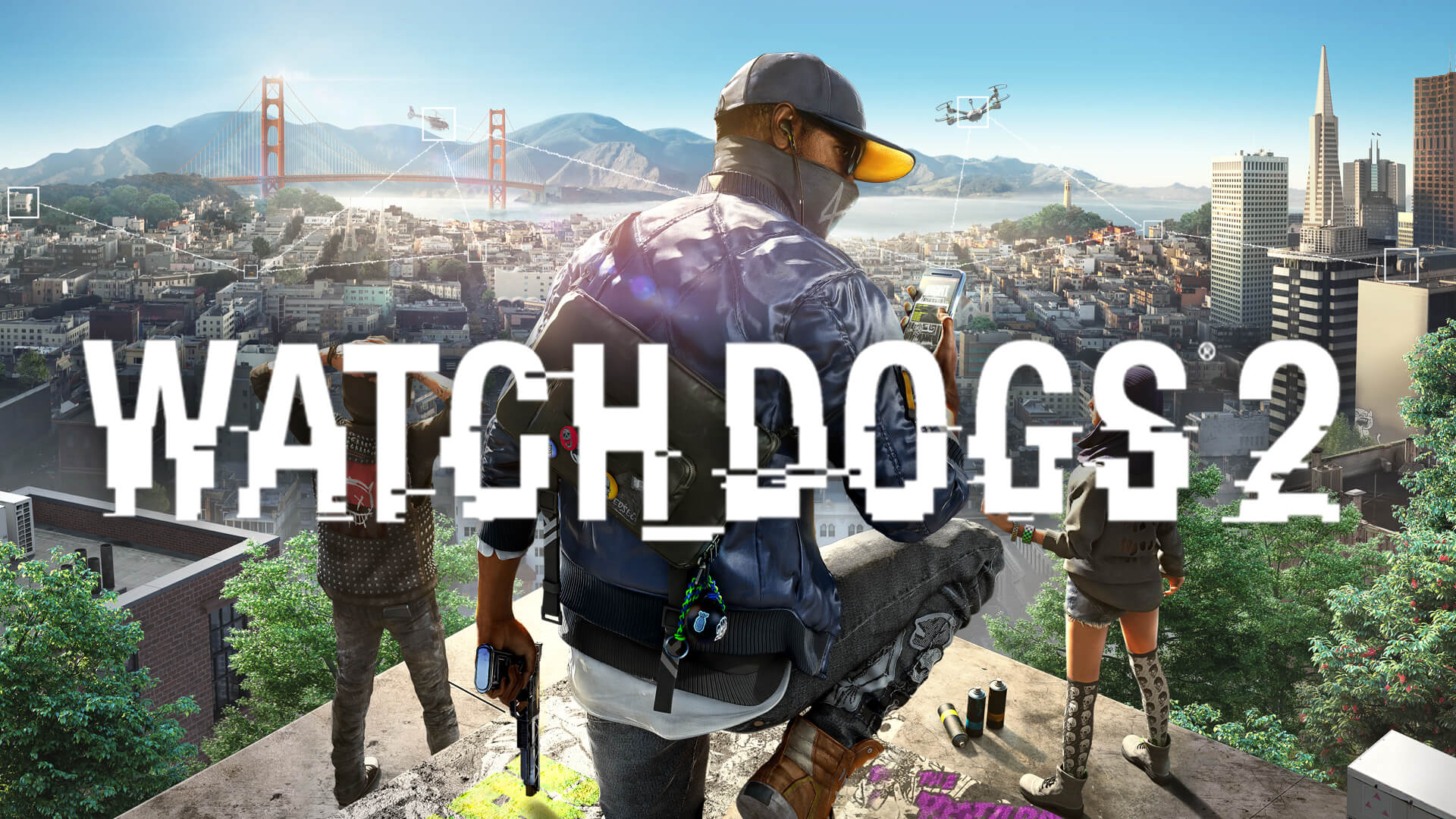
Best Watch Dogs 2 AI Mod: Transform Your Gameplay Experience
Looking for the ultimate Watch Dogs 2 AI mod? Discover how to upgrade your NPC encounters, enemy tactics, and game immersion with our expert guide.
Published:
Table of Contents
The San Francisco of Watch_Dogs® 2 is a playground of digital possibilities, but even the most seasoned DedSec hackers eventually find the base game's NPC interactions lacking depth. If you are hunting for a robust watch dogs 2 ai mod to breathe new life into your sessions, you are not alone in seeking a more dynamic urban experience.
Finding the right watch dogs 2 ai mod can fundamentally change how you approach combat, stealth, and exploration. Whether you want smarter police responses or more reactive civilians, modding your game is the most effective way to keep the experience fresh years after its release. In this guide, we dive deep into the best ways to overhaul your game's systems and ensure you get the most out of your hacking adventures.
Understanding the Need for Advanced AI Overhauls
Why should you look for a watch dogs 2 ai mod? The vanilla AI, while functional for a 2016 release, often falls into predictable patterns. During high-speed chases or intense infiltration missions, enemies may stop feeling like a genuine threat. By installing comprehensive overhauls, you can inject unpredictability into the system, forcing you to use your gadgetry and environment more strategically.
Players often report that the original AI lack the aggression needed to make endgame encounters truly memorable. Through community-driven projects, you can now experience improved enemy awareness and sophisticated group tactics that turn a standard police pursuit into a high-stakes tactical challenge.
What to Expect from Top-Tier AI Mods
When you install a high-quality watch dogs 2 ai mod or a comprehensive pack like WATCH_DOGS 2 Extended, you aren't just changing one line of code—you are upgrading the game's heartbeat.
Feature Type
Vanilla Experience
Modded Enhancement
Police Aggression
Predictable, static behavior
Multi-tiered, adaptive pursuit tactics
Faction Diversity
Limited unit variety
Restored unused models & specialized roles
NPC Reactivity
Standard ambient scripts
Dynamic interactions & "Random Hit" events
Combat Difficulty
Balanced for casual play
Scaling difficulty with specialized enforcers
How to Install and Manage Your Mods
Before diving into a watch dogs 2 ai mod, you must ensure your environment is stable. The community recommends using a reliable mod manager to handle the installation of heavy-duty patches. The Watch_Dogs® 2 official page on Steam is your hub for the base game, but for actual mod files, the Nexus Mods platform is the industry standard for safe, community-vetted downloads.
Step-by-Step Installation Basics
Backup Your Data: Always create a copy of your save file folder.
Clean Install: Ensure your game files are verified and unmodified before starting.
Use a Manager: Utilize tools like the DEDSEC Mod Manager to handle auto-merging of patch archives.
Deploy: Drag and drop your chosen watch dogs 2 ai mod into the manager and rebuild your patch files.
[!TIP]
Pro-Tip for StabilityAlways check for file conflicts. If you have multiple mods affecting traffic or NPC spawns, using a manager that supports automatic conflict detection is non-negotiable. Manually overwriting files often leads to crashes or "silent errors" that are notoriously difficult to debug.
Enhancing Faction and Police Logic
One of the most requested features in a watch dogs 2 ai mod is the refinement of police units. Modern mods have restored cut content—such as SFPD and OPD snipers or heavy enforcers that spawn at level 5 felony status. These additions make "busted" situations feel earned rather than unfair.
By restoring these unused NPC variations, the modding community has created a clear distinction between law enforcement agencies, forcing players to adapt their hacking style based on the specific faction they are facing.
Why Faction Overhauls Matter
Strategic Variety: You are no longer fighting the same "generic" enemy; you are engaging with units that use different weapon types and shielding.
Tactical Depth: Implementing things like SFPD Jammers at high pursuit levels makes you reconsider your reliance on phone hacking to escape.
Immersion: Seeing police officers using specialized bikes or responding with tactical gear adds layers to the world-building that the developers originally left on the cutting room floor.
Advanced Features: Beyond Simple AI Tweaks
If you are strictly looking for a watch dogs 2 ai mod, you might find that modern "Compilation" mods offer much more. The WATCH_DOGS 2 Extended project, for instance, serves as a primary hub for many AI enhancements, including the "Random Hit" system. This feature creates a living world where factions conduct hits on random civilians, independent of your actions.
Category
Typical Enhancements
Player Impact
Stealth AI
Improved detection radius
Stealth becomes more challenging
Combat AI
Flanking maneuvers
Encourages the use of cover
Environmental
Hackable forklifts/props
More creative ways to neutralize enemies
Reputation
Good/Bad rep tracking
Affects civilian interactions
Community-Proven Setup Recommendations
Many power users suggest combining a deep AI overhaul with a "Movement Fix" to ensure that the increased combat difficulty isn't ruined by engine limitations. As noted in community reports, fixing the framerate-dependent movement sliding at high FPS is crucial when playing with aggressive AI mods, as you need precise control to survive tactical firefights.
Common Mistakes to Avoid
The most common mistake when experimenting with a watch dogs 2 ai mod is ignoring the "Compatibility Note." Many creators clearly state that their mods cannot be merged with others due to significant file conflicts. Trying to force two massive overhauls to work together will almost certainly lead to the game crashing during loading screens or mid-mission.
Another frequent error is neglecting to check if a specific mod requires the Nomad Scripthook. If you are attempting to enable features like custom hackable environments or specialized NPC spawn behaviors, ensure your Scripthook version is up to date (R185 is currently a standard requirement for many advanced features).
FAQ: Getting the Best Out of Your Modded Experience
Q: Will a watch dogs 2 ai mod affect my multiplayer experience?
A: Generally, yes. Most mods disable or break seamless multiplayer to ensure stability. It is highly recommended to set your game to "Offline" or disable invasions when running heavy AI modifications to prevent unexpected crashes.
Q: Are these mods safe for my system?
A: Yes, mods downloaded from trusted platforms like Nexus Mods are scanned and safe. However, always prioritize downloading from the original creator's page to ensure you are getting the latest, most stable version.
Q: Do I need to restart my campaign to use these mods?
A: Most mods of this type work with existing saves, but it is standard practice to back up your save files before modifying your game to ensure no progress is lost if you decide to roll back.
Q: What is the most important "hidden" feature in these mods?
A: Many players praise the "Random Hit" or "Ambush" mechanics, as they make the open world feel dangerous again. They move the AI from being static set-pieces to active participants in the game’s sandbox.
By carefully selecting and installing a watch dogs 2 ai mod, you can turn a familiar city into an unpredictable and thrilling playground. Remember to prioritize stability, check for compatibility, and always back up your data to keep your DedSec operation running smoothly.