Best Watch Dogs 2 Mods: Enhance Your San Francisco Experience
Discover the best Watch Dogs 2 mods to elevate your gameplay. Learn how to install tools safely, fix bugs, and customize your open-world experience today.
Published:
Table of Contents
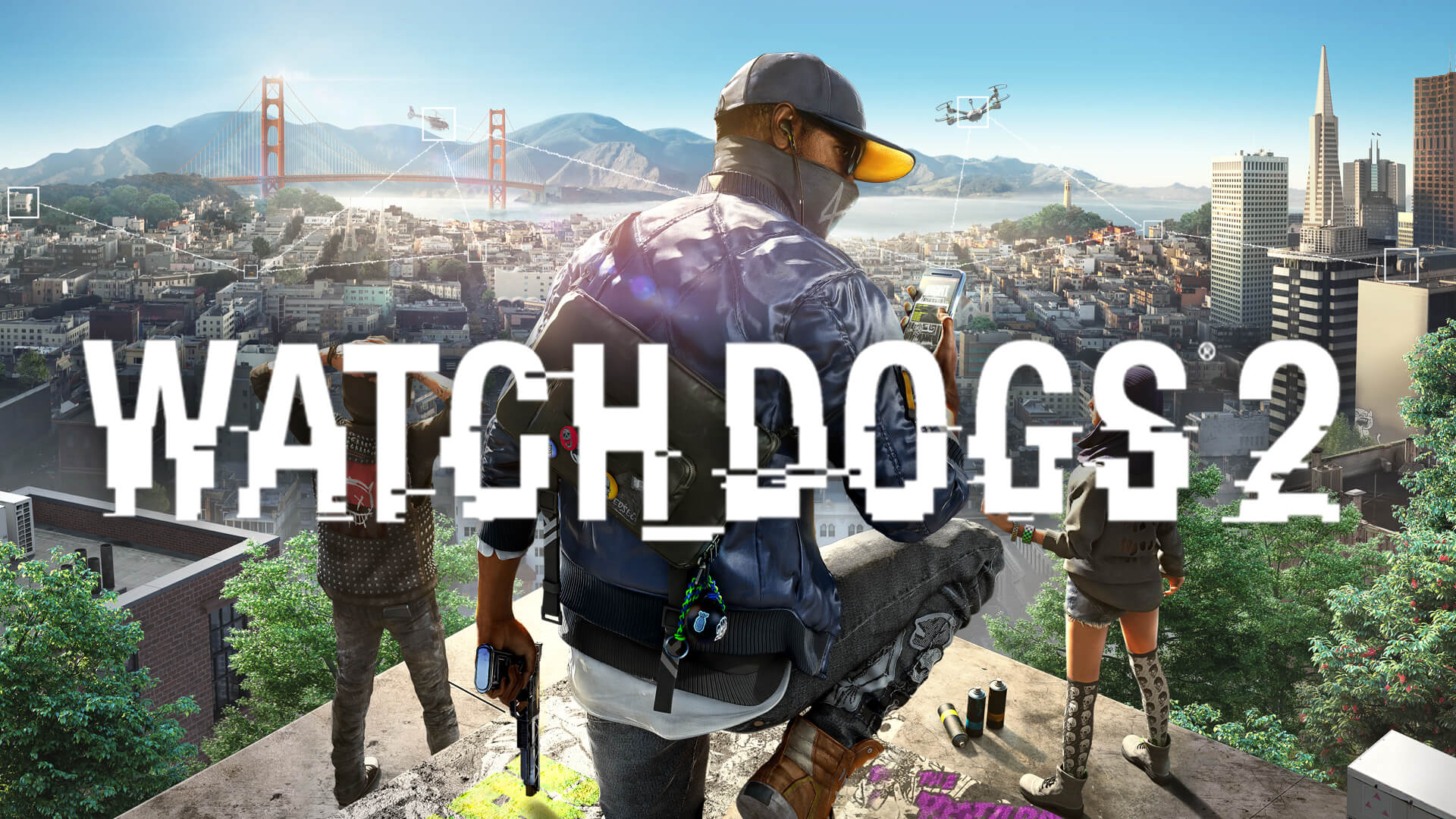
The streets of San Francisco in Watch_Dogs® 2 offer an incredible playground for hackers, but even the best digital sandboxes can benefit from a few community-made improvements. Whether you are looking to overhaul the visuals or fix long-standing technical quirks, watch dogs 2 mods provide the perfect solution to revitalize your journey as Marcus Holloway.
Understanding how to properly implement watch dogs 2 mods is essential for any player wanting to go beyond the base experience. By modifying game files, you can unlock new aesthetic possibilities, improve performance, and even resolve specific hardware-related display issues that have persisted for years.
Why You Should Consider Modding Your Game
Modding isn't just about changing how the game looks; it is about tailoring the experience to your hardware and personal preferences. Many players turn to watch dogs 2 mods to address the limitations of the original release, such as physics glitches at high frame rates or outdated lighting models.
If you are playing on a modern high-refresh-rate monitor, you might have noticed the "strafe sliding" issue. Community developers have released targeted fixes that adjust physics timing, ensuring that your movement feels crisp and responsive regardless of your FPS. Furthermore, visual enhancements like HDR ReShade presets allow you to breathe new life into the game’s lighting, making the sunset over the Golden Gate Bridge look more breathtaking than ever.
Essential Modding Tools and Managers
Installing mods manually can be risky and confusing for beginners. Fortunately, the community has developed robust mod managers that simplify the process. These tools handle complex tasks like merging patch archives automatically, which prevents conflicts when you want to run multiple modifications simultaneously.
Recommended Mod Management Tools
Tool Name
Key Feature
Best For
DEDSEC Mod Manager
Auto-merging of .dat/.fat files
Beginners and multi-mod users
Pioneer Manager
Load order support & EAC bypass
Advanced users needing stability
Manual Method
Direct file replacement
Single-mod tweaks only
Using a dedicated manager like DEDSEC ensures that if you decide to uninstall a mod, the process is clean and won't corrupt your game files. Always back up your original patch.dat and patch.fat files before deploying any new content.
Navigating the EAC Hurdle
One of the most frequently asked questions in the community concerns the Easy Anti-Cheat (EAC) system. According to various watch dogs 2 mods discussions on platforms like the Steam Community, you cannot use mods while the anti-cheat is active.
EAC compares your local game files against the official server-side versions. If it detects any modifications—even minor ones—it will prevent you from accessing online features. Many players choose to use an eac_launcher parameter to disable the anti-cheat, which allows for a seamless single-player modding experience.
Avoid Online Play with Mods
Never attempt to enter online multiplayer modes while your game files are modified or while the anti-cheat is disabled. Doing so may trigger security flags and could potentially lead to account restrictions.
Top Categories for Enhancing Your Gameplay
The current modding scene for this title is surprisingly active, with creators focusing on everything from vehicle skins to total UI overhauls. Here is a breakdown of the most popular types of modifications currently available.
Popular Mod Categories
Category
Example Content
Benefit
Visual Overhaul
HDR/Photorealistic ReShade
Adds modern lighting and depth
Quality of Life
High FPS Movement Fix
Removes physics-based sliding
Vehicle Mods
Custom car models (Ferrari/GMC)
Adds variety to traffic
Localization
Community Language Patches
Better support for non-English users
For those interested in immersion, the "Combination mod" is a community favorite. It offers a package of tweaks including a closer camera perspective, more thrilling parkour animations, and even faster game startup speeds. It is a great "all-in-one" starting point for new modders.
Step-by-Step: Installing Your First Mod
If you are ready to start, follow this streamlined workflow to ensure success. Always check the specific documentation provided by the mod author on sites like Nexus Mods.
Download a Manager: Install a reliable tool like DEDSEC or Pioneer to handle file merging.
Locate your Directory: Find your data_win64 folder within the game’s installation directory.
Backup: Create a copy of your existing patch.dat and patch.fat files in a separate folder.
Deploy: Use your mod manager to drag and drop the .zip or .rar file of your chosen mod.
Verify: Launch the game via the manager to ensure the changes are applied correctly.
Common Pitfalls and Troubleshooting
Even with the best tools, you might run into issues. A common report from players involves "flickering" textures, especially on newer RTX 30 and 40 series graphics cards. Fortunately, there are specific hotfix mods available that address these rendering errors directly.
If a mod causes the game to crash, the most common culprit is a file conflict. If two mods try to change the same line of code or the same asset, the game engine will often fail to load. This is why using a manager that supports "auto-merging" is vital—it handles the conflict resolution for you.
[!TIP]
Keep Your Mod List Minimal
Start by installing one mod at a time. This allows you to isolate the source of any bugs if the game starts behaving unexpectedly, saving you hours of troubleshooting.
Frequently Asked Questions (FAQ)
Can I get banned for using watch dogs 2 mods?
You will not be banned for using mods in single-player, provided you disable the Easy Anti-Cheat (EAC) and stay offline. The risk of a ban only exists if you attempt to connect to the official servers while your game files are tampered with.
Do I need a powerful PC to run these mods?
Most watch dogs 2 mods, such as those for language localization or UI tweaks, have zero impact on performance. However, some heavy ReShade presets or high-resolution texture packs may require a more capable GPU to maintain a smooth frame rate.
Are there mods that add new missions?
While most mods focus on visuals, vehicles, and utility fixes, the community is constantly evolving. Some mods include script hooks that allow for deeper game manipulation, though large-scale mission expansion mods are rarer compared to cosmetic or mechanical tweaks.
Where is the best place to find safe mods?
Always use reputable platforms like Nexus Mods. These sites provide a secure environment, virus scanning, and a community feedback system that helps you identify which mods are currently working and which are outdated.