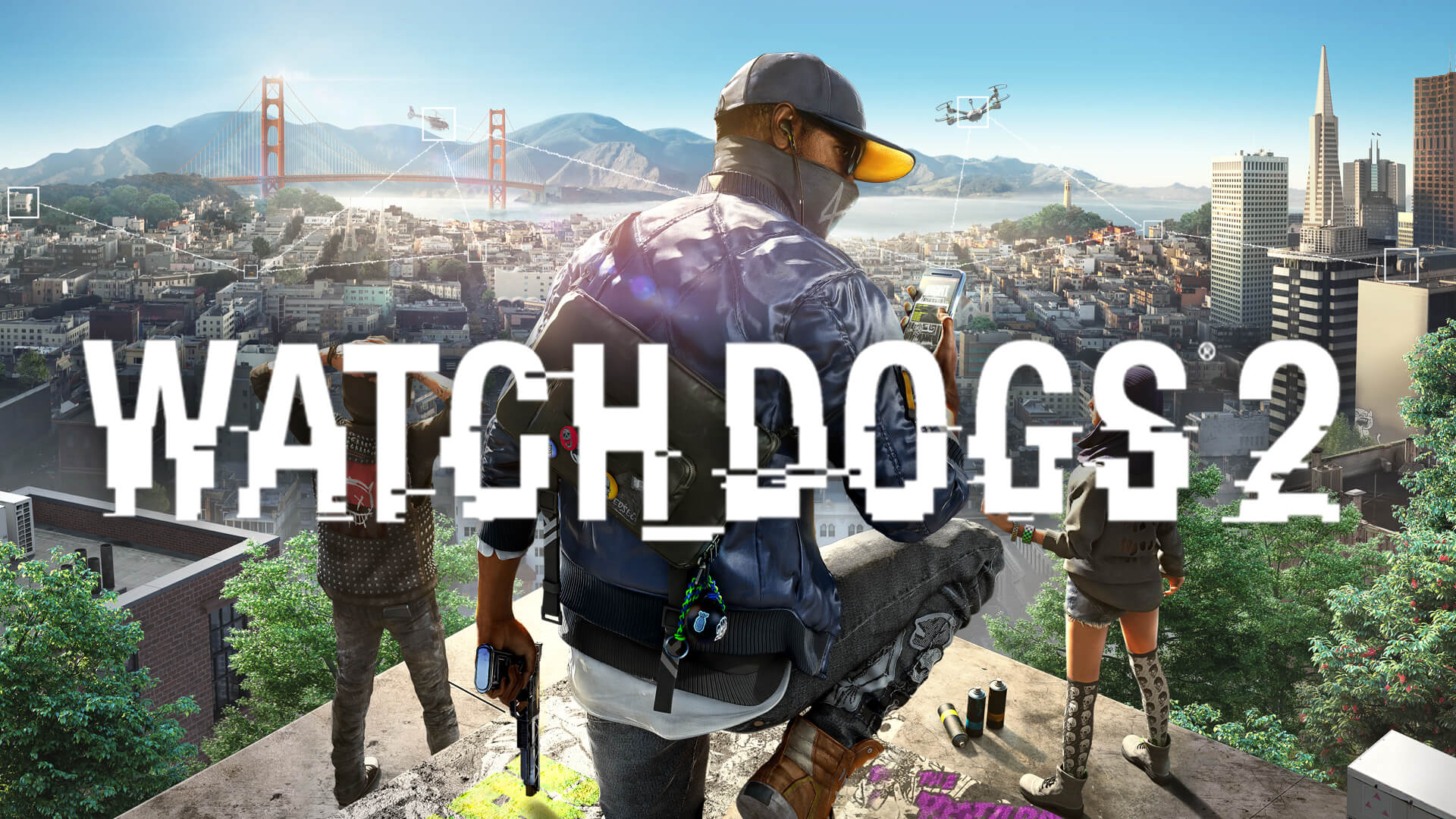
Watch Dogs 2 Nexus Mods: Complete Guide to the Extended Mod
Discover how to transform your game with the Watch Dogs 2 Nexus mods. Learn how to install the popular Extended mod to unlock new weapons, gear, and features.
Published:
Table of Contents
The streets of San Francisco are waiting to be hacked, but after years of playing the base game, you might be looking for something more. This is where the watch dogs 2 nexus community comes into play, offering a vast array of community-made modifications that can completely redefine your experience. Whether you are looking for visual enhancements or deeper gameplay mechanics, these mods breathe new life into one of Ubisoft’s most iconic open-world titles.
Why is this important for you? By utilizing the watch dogs 2 nexus resources, you are not just updating your game; you are essentially installing an expansion pack created by dedicated fans. From the massive "Extended" overhaul to minor quality-of-life improvements, mods allow you to tailor the game to your specific playstyle, making your journey through DedSec even more personalized and thrilling.
Why the "Extended" Mod is the Ultimate Choice
If you browse the watch dogs 2 nexus repository, one project stands out above all others: the WATCH_DOGS 2 Extended mod. Created by user HeySlickThatsMe, this project is more than just a simple tweak. It acts as an unofficial, feature-rich update that restores cut content, fixes long-standing bugs, and adds modern mechanics that feel like they belonged in the game from day one.
The sheer scale of this mod is impressive. It shifts the game from a standard action-adventure experience to a complex, systemic sandbox. By integrating elements from the original Watch_Dogs and adding custom assets, the developer has provided a "pure" modding experience that avoids the typical bloat found in some community projects.
Key Benefits of Watch Dogs 2 Extended
Weapon Variety: Access to a wider arsenal including weapons previously seen only in the first game.
Expanded Wardrobe: Over 3,000 new clothing items, including rare and cut assets.
Advanced Mechanics: Features like "Drive-by" weapon usage and a fully functional "Focus" ability.
Stability: Built-in fixes for crashes and physics-related issues that occur at high framerates.
How to Install and Optimize Your Mods
Navigating the watch dogs 2 nexus ecosystem can seem daunting for beginners, but the process has become significantly more user-friendly over time. To get the most out of your game, you should focus on the correct installation sequence. Most high-quality mods require you to handle your archive files carefully.
When installing the Extended mod, ensure you have a clean version of the game. You can check your game files via the Official Steam Store Page if you encounter any launch issues. Many veteran players recommend using a mod manager to handle conflicts between different files, especially when you are mixing gameplay tweaks with cosmetic items.
Recommended Setup Steps
Step
Action
Why?
1
Backup Save Files
Ensures you can revert progress if a script error occurs.
2
Use a Mod Manager
Prevents manual file overwrite errors during patching.
3
Install Scripthook
Unlocks advanced features like the "ctOS Operator" mode.
4
Configure settings
Use the config.txt file to toggle features you don't like.
Mastering New Gameplay Features
The watch dogs 2 nexus community has successfully introduced complex systems that significantly alter how you interact with the city of San Francisco. One of the most praised additions is the Focus Mode, which allows you to slow down time while aiming. This brings back the tactical feel of the original series, making high-intensity shootouts much more manageable and cinematic.
Another significant gameplay change is the Reputation System. While purely cosmetic in some aspects, it adds a layer of roleplay. Actions like saving civilians from gang violence or hacking random passersby will shift your reputation, providing a dynamic sense of feedback for your playstyle. According to player experience, this makes the world feel more reactive rather than static.
Comparison of Core Mod Features
Feature
Vanilla Game
With Extended Mod
Weapon Cycle
Limited
Full scroll wheel support
Driving
Basic Arcade
Restored legacy handling
Police AI
Predictable
Dynamic with jammers/snipers
Wardrobe
Limited Sets
3000+ custom variations
Avoiding Common Pitfalls
As with any heavy modification, there are risks. A common community report is that installing too many incompatible mods at once can lead to game crashes during missions. This is because multiple mods may attempt to rewrite the same .dat or .fat archive files.
To avoid this, always read the description page on watch dogs 2 nexus carefully. Most reputable modders will explicitly state if their file conflicts with the "Extended" mod or the "Police & Faction Overhaul." If you experience a "silent crash" or the game closes without an error message, try disabling your recently added files one by one to isolate the culprit.
Avoid Multiplayer Risks
While the Extended mod brings back some multiplayer capabilities, it is highly recommended to disable "Invasions" and "Bounty Hunter" in your privacy settings. Using heavily modified game files in online sessions can cause desync issues and may potentially trigger anti-cheat systems.
Essential Tips for Performance and Immersion
To maintain the best performance while running watch dogs 2 nexus content, consider your graphical settings. Some mods add intense particle effects or increased population density, which can tax your GPU. If you notice frame drops, prioritize the "High FPS Movement Fix" mod, which corrects the Havok physics engine issues that tend to occur at framerates above 60 FPS.
For immersion, take advantage of the new Photo Mode feature introduced by the modding community. This allows you to pause time and set up custom lighting, perfect for capturing the detailed textures of the new clothing items. It is a fantastic way to show off your custom-built character to the community.
Performance Troubleshooting Checklist
Check Load Order: Ensure script-heavy mods are loaded after cosmetic ones.
Monitor VRAM: Large texture packs for new weapons can exceed standard usage.
Refresh Language Files: Ensure you have the appropriate localization patch if you are not using English.
Update Scripts: Frequently check the mod page for updates to Scripthook and related utility files.
Frequently Asked Questions
Does the watch dogs 2 nexus mod community provide support?
Yes, most creators maintain an active presence in the "Posts" or "Forums" section of their mod page. If you encounter a bug, check the "Bugs" tab first to see if a fix has already been documented by other users.
Will the Extended mod delete my story progress?
No, it is designed to be compatible with existing save files. However, it is standard practice to create a backup of your save folder before installing any major overhaul to avoid accidental corruption.
Are there any performance costs to installing these mods?
Generally, most performance-focused mods will actually improve stability. However, adding thousands of clothing items or heavy scripts can slightly increase startup time. Always monitor your framerate after major installations.
Can I use a controller with these new features?
Most features in the Extended mod are optimized for keyboard and mouse. While basic movement works on a controller, complex features like the new weapon scrolling or the mini photo mode may have limited or no gamepad support.