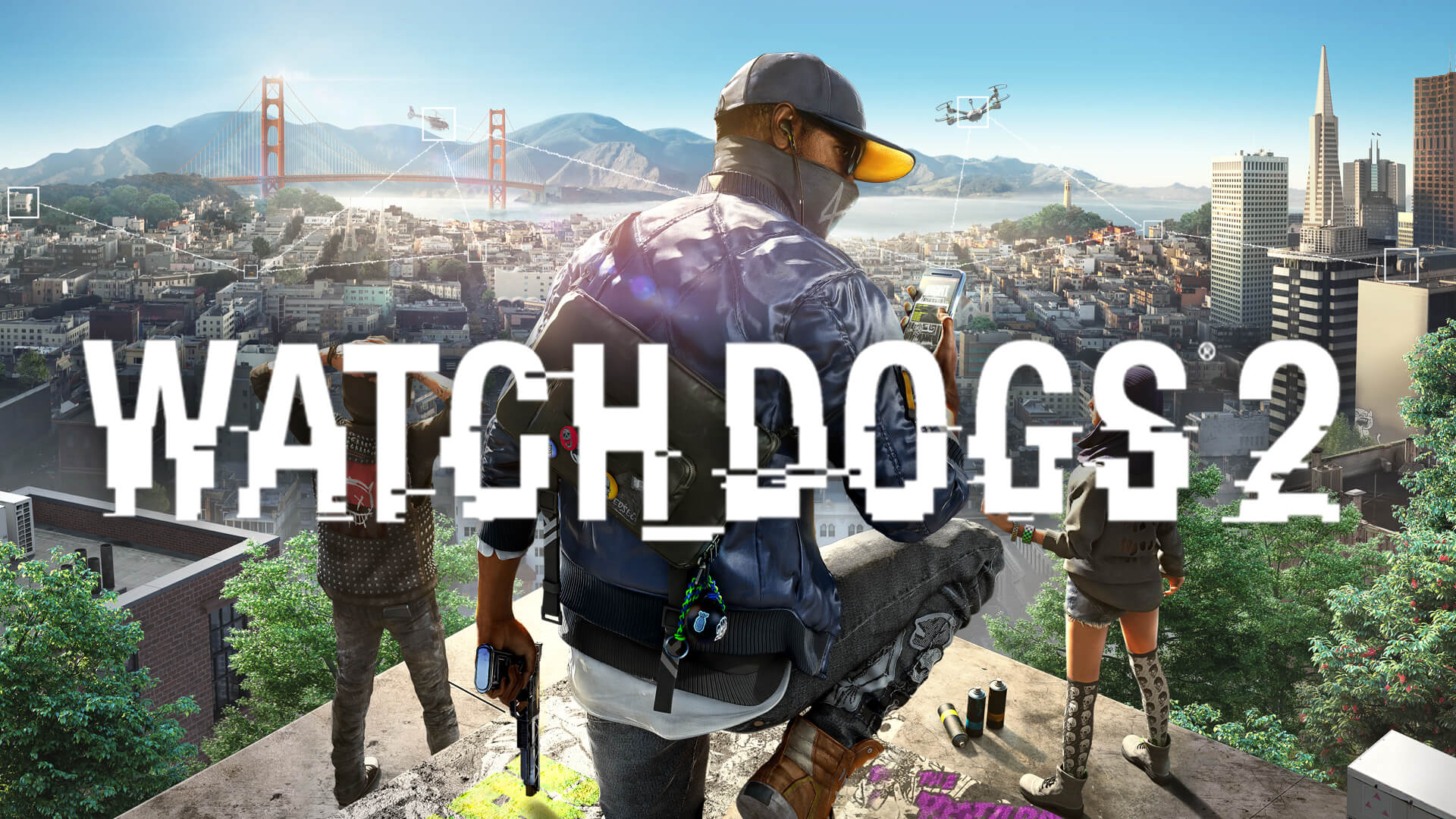
Boost Your Watch Dogs 2 Performance: Essential Watch Dogs 2 FSR Mod Guide
Struggling with frame rates in San Francisco? Discover how to use a Watch Dogs 2 FSR mod to improve performance and smooth out your gameplay experience today.
Published:
Table of Contents
Unlock Better Frame Rates in San Francisco
Are you looking to optimize your performance in Ubisoft’s open-world masterpiece? While many players seek a Watch Dogs 2 FSR mod to push their frame rates higher, navigating the world of community-made patches can be daunting. Enhancing your game's visual stability is essential for a smooth parkour and hacking experience, especially on aging hardware.
By implementing community-driven upscaling solutions, you can significantly reduce the performance tax associated with high-resolution rendering. This guide explores the reality of using a Watch Dogs 2 FSR mod, covering the technical requirements, installation logic, and how these modifications interface with the game’s engine to breathe new life into your PC experience.
Why Upscaling Matters for Watch Dogs 2
Watch Dogs 2 is a title that relies heavily on complex lighting, detailed geometry, and volumetric effects. As hardware matures, keeping a consistent 60 FPS becomes more challenging. Upscaling technologies like FSR (FidelityFX Super Resolution) are critical because they render the game at a lower internal resolution before intelligently reconstructing the image, allowing for significant performance gains without sacrificing massive amounts of visual fidelity.
If you are currently playing the game on a high-resolution display, you likely experience bottlenecks that degrade your experience. Utilizing a Watch Dogs 2 FSR mod allows you to leverage your GPU more efficiently. Below is a comparison of how different technical optimizations affect your gameplay:
Optimization Type
Performance Impact
Visual Quality
Difficulty Level
FSR Upscaling
High
High (Near Native)
Moderate
Reshade HDR
Low
Very High
Easy
Physics/FPS Fixes
Moderate
Neutral
Easy
Lowering Settings
High
Low
Very Easy
Understanding the Modding Landscape
Community members have spent years crafting solutions to improve the performance of Watch_Dogs® 2, which is available on Steam. A common community-reported method involves tricking the game engine into enabling features like DLSS or FSR by using signature overrides.
According to community reports from platforms like the Steam Community, these mods often involve dropping specialized .dll files into the game's root folder where the executable is located. Once these files are in place, users often run a registry script to bypass signature checks. This effectively allows the game to recognize "advanced" hardware profiles, enabling features that were otherwise locked or unavailable.
Risk of Modification
Always back up your game files before applying any patches. Using community-made .reg files or replacing .dll files can trigger anti-cheat software or cause stability issues if not executed correctly.
How to Install Performance Tweaks Safely
Installing a Watch Dogs 2 FSR mod requires precision. Because the game natively supports its own rendering pipeline, you are essentially injecting a wrapper. Before starting, ensure your GPU drivers are updated to the latest version.
Step-by-Step Installation Logic
Locate your directory: Navigate to the folder containing the WatchDogs2.exe file.
Copy files: Extract the mod archive directly into this root folder.
Run the Override: Execute the provided .reg file to permit the modified signature.
In-Game Settings: Launch the game and check the Video/Graphics menu. You may need to toggle the "DLSS" or similar rendering options to activate the upscaling layer.
Common Troubleshooting Table
If your menu options remain greyed out, refer to the following common issues:
Issue
Potential Cause
Fix
DLSS/FSR Greyed Out
Missing Registry Override
Run the .reg file as Administrator
Game Fails to Launch
Incorrect .dll Placement
Ensure files are in the same folder as .exe
Visual Flickering
Incompatible Mod Version
Verify your GPU series support (RTX 30/40)
Improving the Experience: Beyond FPS
While looking for a Watch Dogs 2 FSR mod, don't ignore other performance-enhancing mods. Players often report that the game suffers from "strafe sliding" or physics jitters when running at high frame rates. Installing a "High FPS Movement Fix" alongside your upscaling mod can ensure your character's movement feels precise regardless of the frame rate.
Additionally, if you find that the upscaling makes the image slightly soft, consider pairing it with a subtle sharpening filter via a Reshade preset. Many players on the Nexus Mods community suggest that a combination of a light HDR-ish Reshade and an FSR wrapper provides the most balanced "next-gen" look for the title.
Maximizing Your Graphics Pipeline
When you finally get the Watch Dogs 2 FSR mod running, your goal should be a balance between a high refresh rate and image stability. Here is a recommended hierarchy of settings to tweak alongside the mod for optimal visual output:
Ambient Occlusion: Keep this at medium; it's a huge FPS killer.
Geometry: High is usually the sweet spot for visual density.
Screen Space Reflections: Lowering this can yield 5-10 FPS alone.
Shadows: Shadows are notoriously taxing in this engine; prioritize "Medium" to save performance for the upscaling process.
Frequently Asked Questions (FAQ)
Q: Can I use a Watch Dogs 2 FSR mod with an NVIDIA graphics card?
A: Most community-made FSR implementations are designed to be hardware-agnostic or specifically designed to bring FSR functionality to hardware that doesn't natively support DLSS. Always check the specific readme file included with the download.
Q: Will using these mods get me banned in multiplayer?
A: Modifying game files is generally risky if you play online. It is strongly recommended to play in offline mode when using performance injectors to avoid triggering Easy Anti-Cheat (EAC) protocols.
Q: Does the FSR mod significantly improve my 60 FPS target?
A: Based on community reports, users with mid-range cards often see an improvement of 20-30 FPS in demanding urban environments when using proper upscaling, though this varies heavily based on your CPU bottleneck.
Q: Are these mods official?
A: No, these are created by the community. They are not supported by Ubisoft, and you use them at your own discretion. Always scan files for security before installation.